A focused Mac optimizer
Repair common macOS problems
Mole includes repairs for input-method switching, Spotlight, Notification Center, and Universal Clipboard. These tasks address specific problems; they do not promise to make every Mac faster.
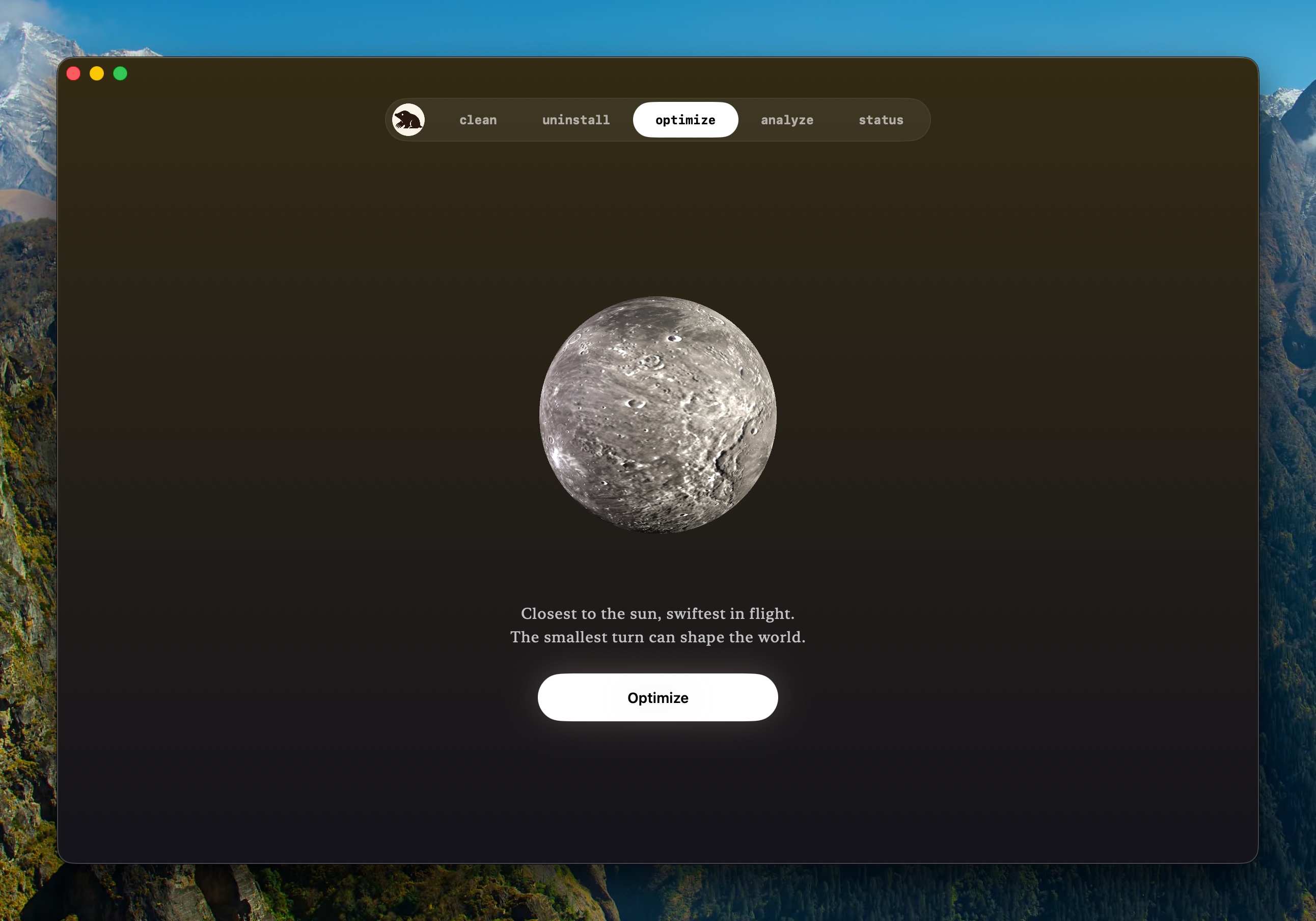
See what each maintenance task does
Deeper work can rebuild Quick Look, vacuum SQLite stores, clean saved application state and quarantine events, repair broken preferences and Launch Agents, audit login items, prune orphaned Spotlight rules, and run periodic maintenance. The result lists completed, skipped, and failed tasks separately.
Skip unsafe or irrelevant work with a reason
Mole skips tasks that could interrupt an active VPN, Bluetooth input or audio device, external display, or external audio connection. If it cannot confirm the required device state, it skips the task and explains why.
One authorization for the work that needs it
Tasks that require administrator access share one authorization during the current Mole session instead of prompting one by one. That approval does not widen the task set or add a permanent helper. Every privileged task still validates its own narrow target before it runs.
Maintenance stops when the work is done
Mole's roadmap uses three gates from the product story: no always-on cost before a feature is opened, no broader privilege for a small convenience, and no setting when one good default will do. Optimize therefore runs only when asked and stops when the work ends.
See the result before deciding
Optimize can complete twice before purchase, and its result remains visible for review. Download Mole, run it when a named macOS service is misbehaving, or read the complete task reference.