Only official site mole.fit·v1.6.0

Mole

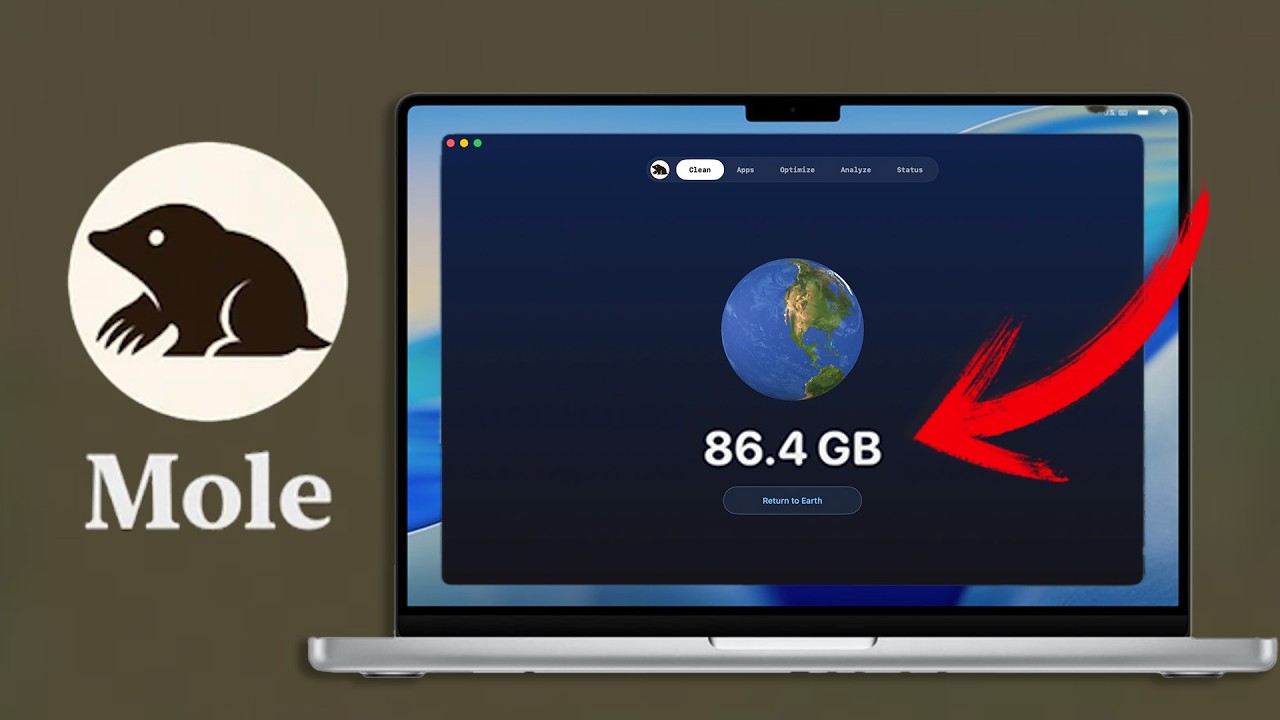
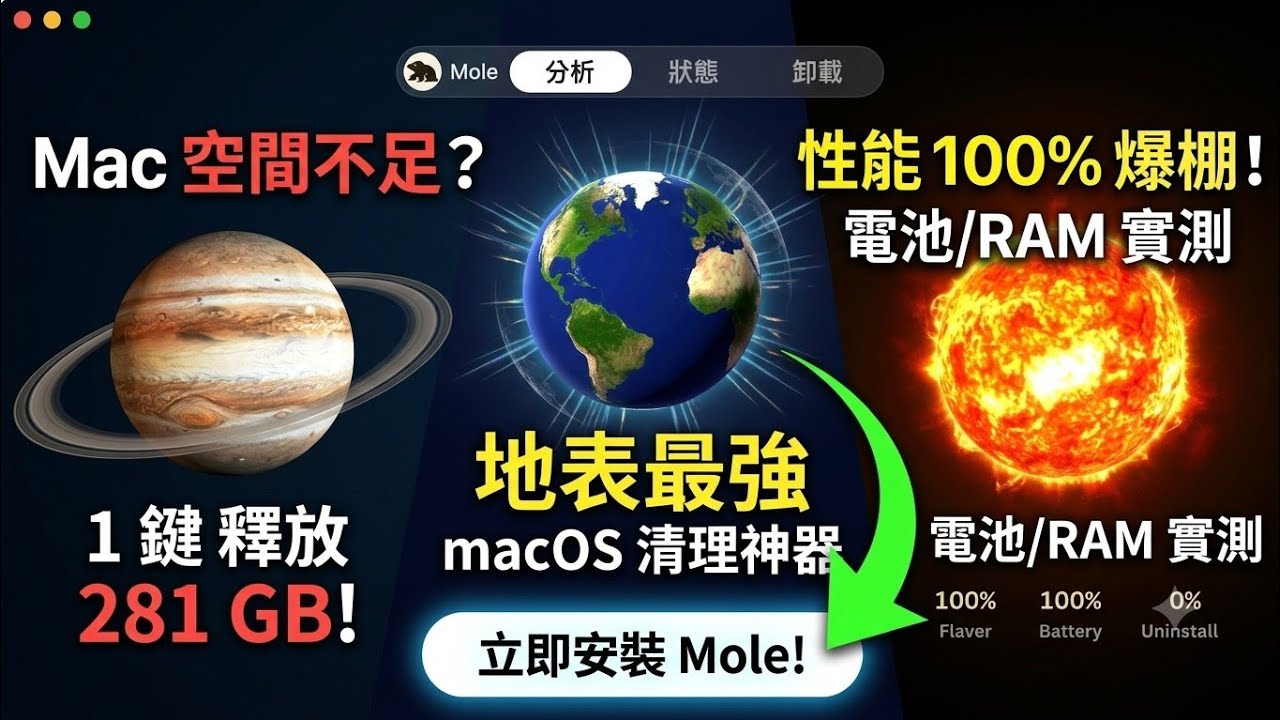
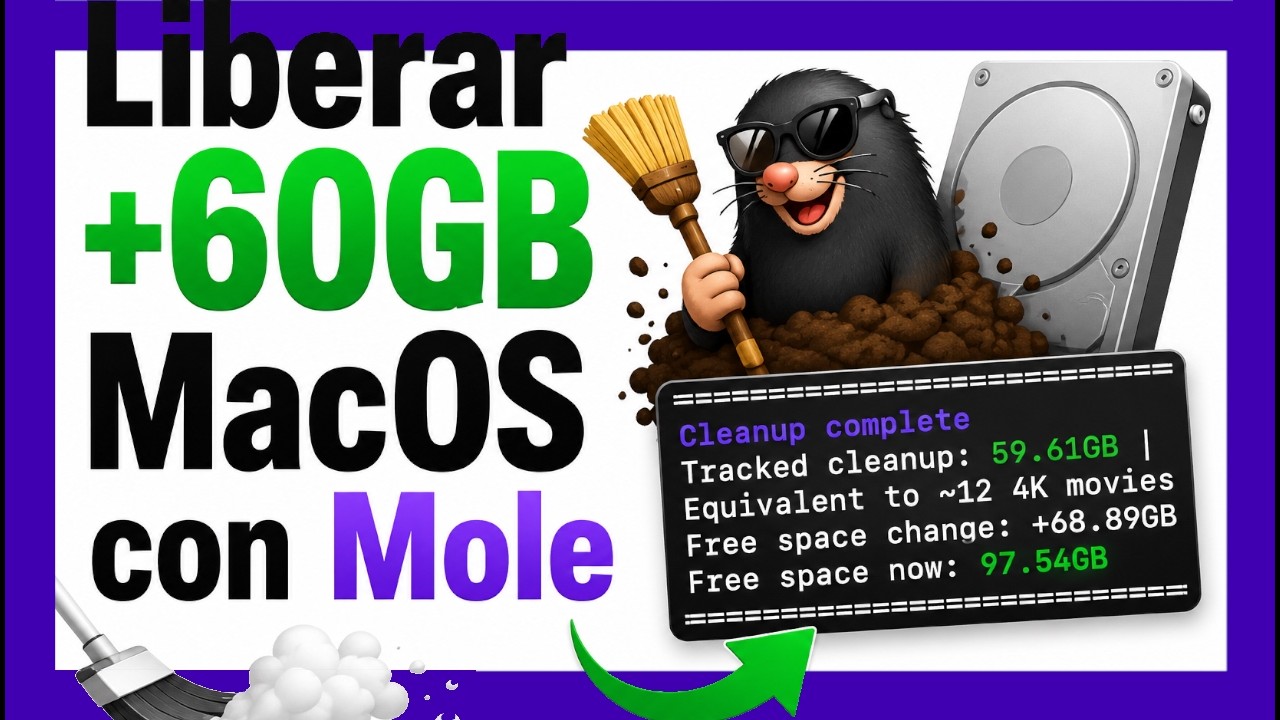
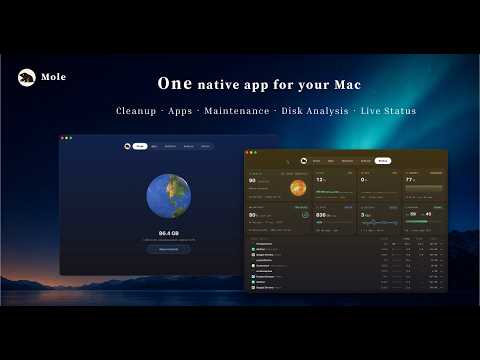
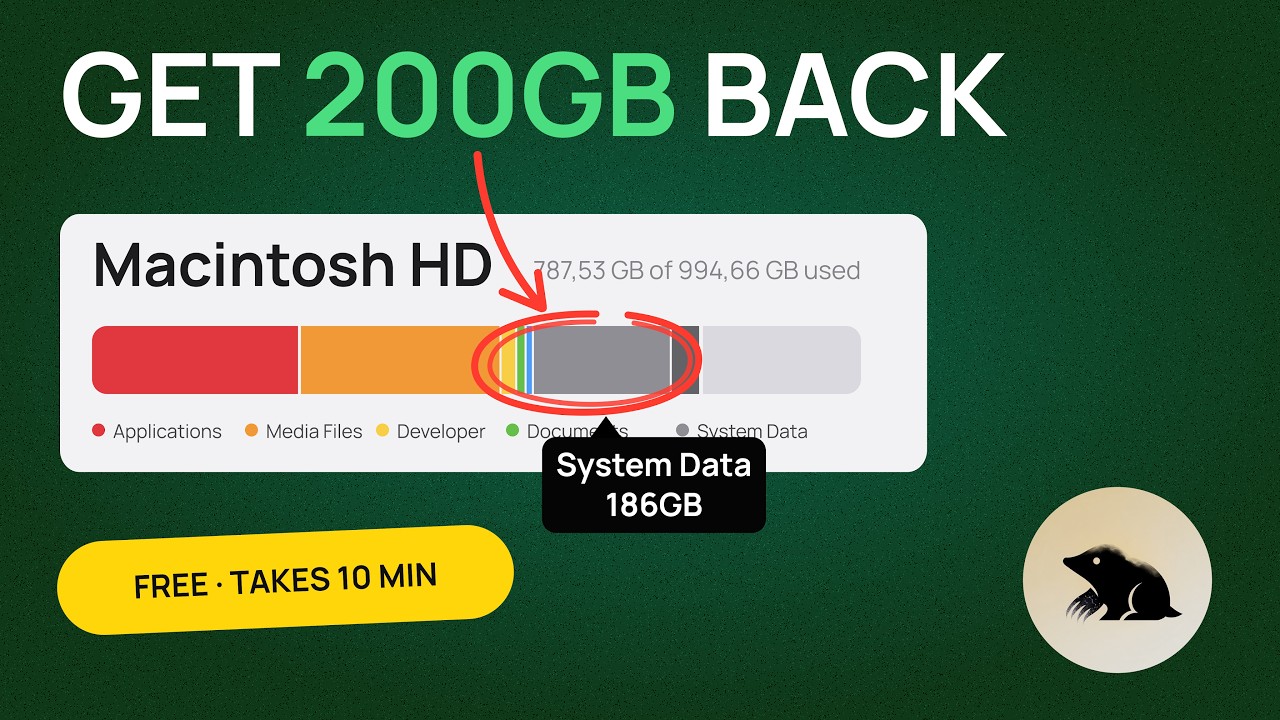
Remove junk, manage apps, run maintenance, analyze disk usage, and watch live status in one native Mac app.

$9 $19 early bird 2 Macs14-day refundmacOS 14+

00 · See it

Five tools, one binary

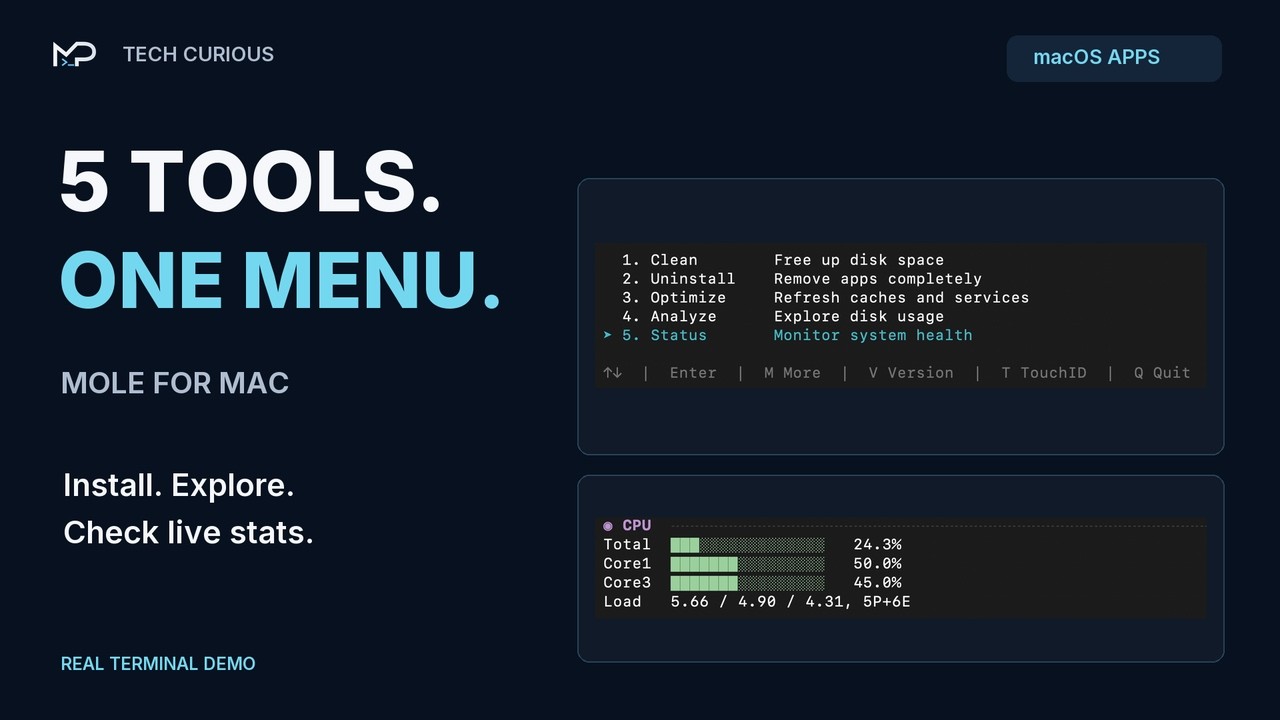
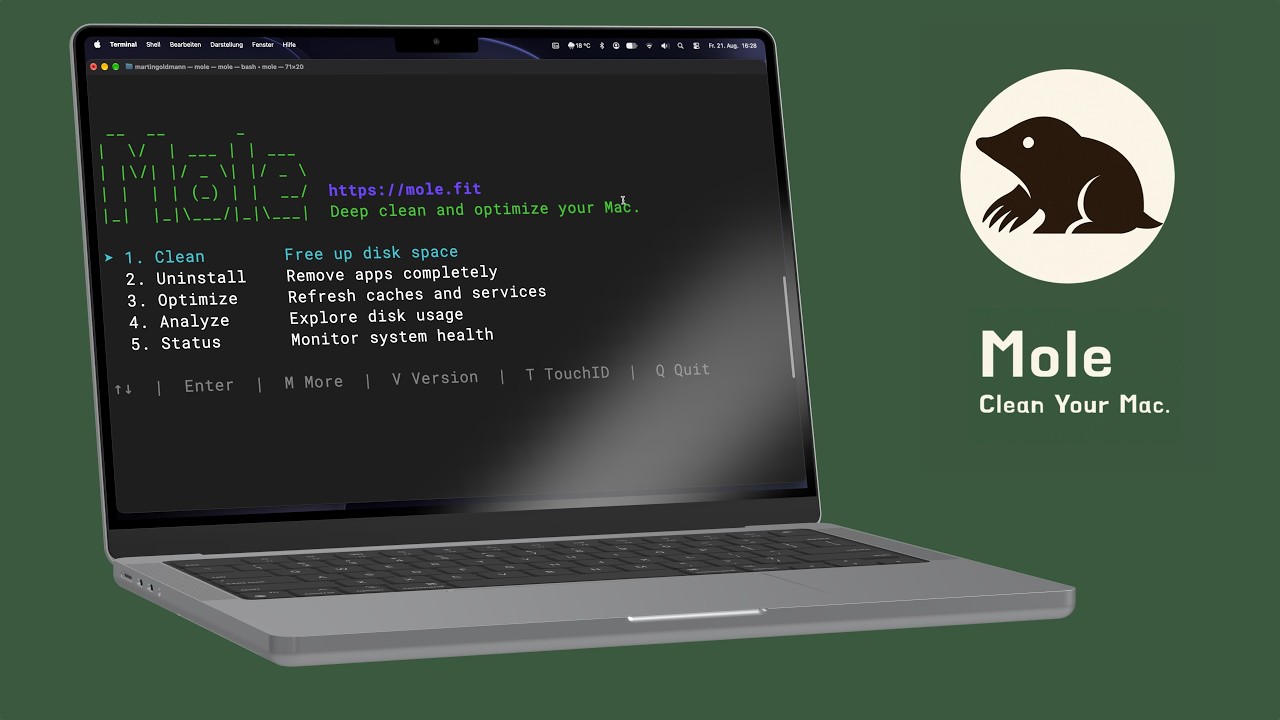
Five tools plus a menu bar HUD: Clean, Software, Optimize, Analyze, and Status, each with its own page and job.

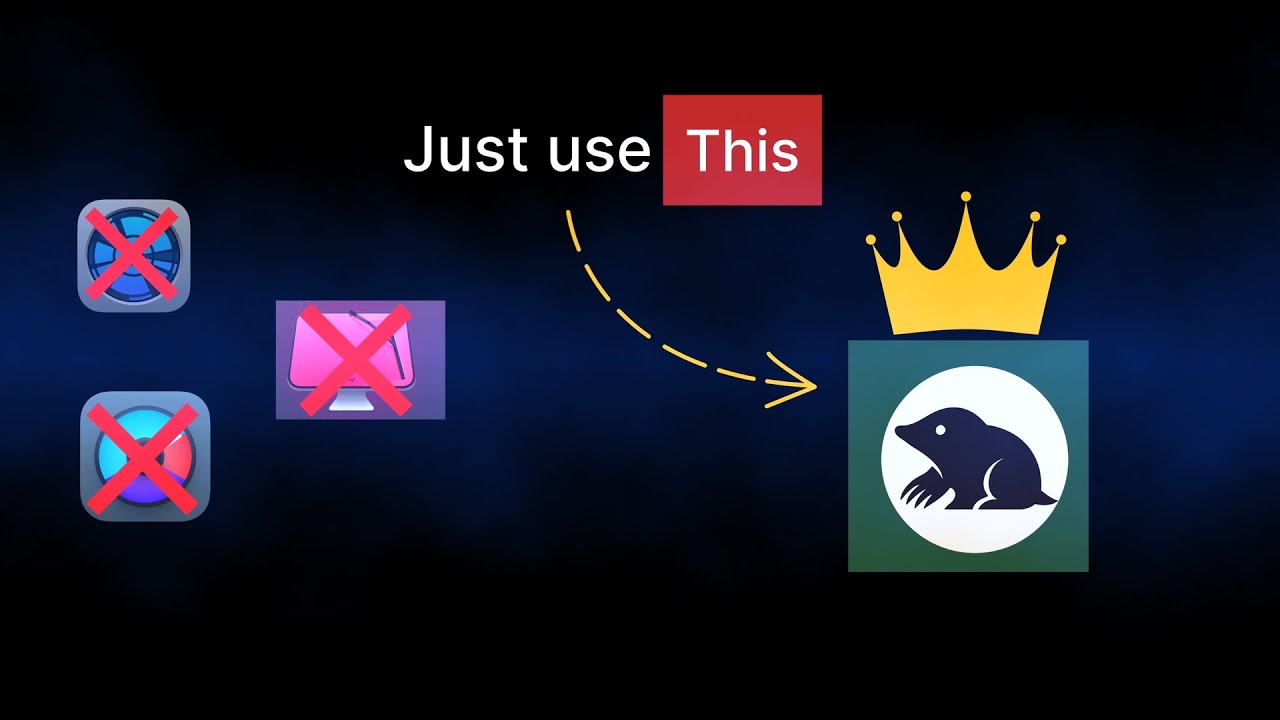
Covers everyday jobs people split across CleanMyMac · App Cleaner & Uninstaller · Sensei · DaisyDisk · iStat Menus

01 · The Five

A solar system of small jobs

Each tool is named for a planet, and each planet has a job. The naming is not decoration. It is how the tool tells you what it is about to touch.

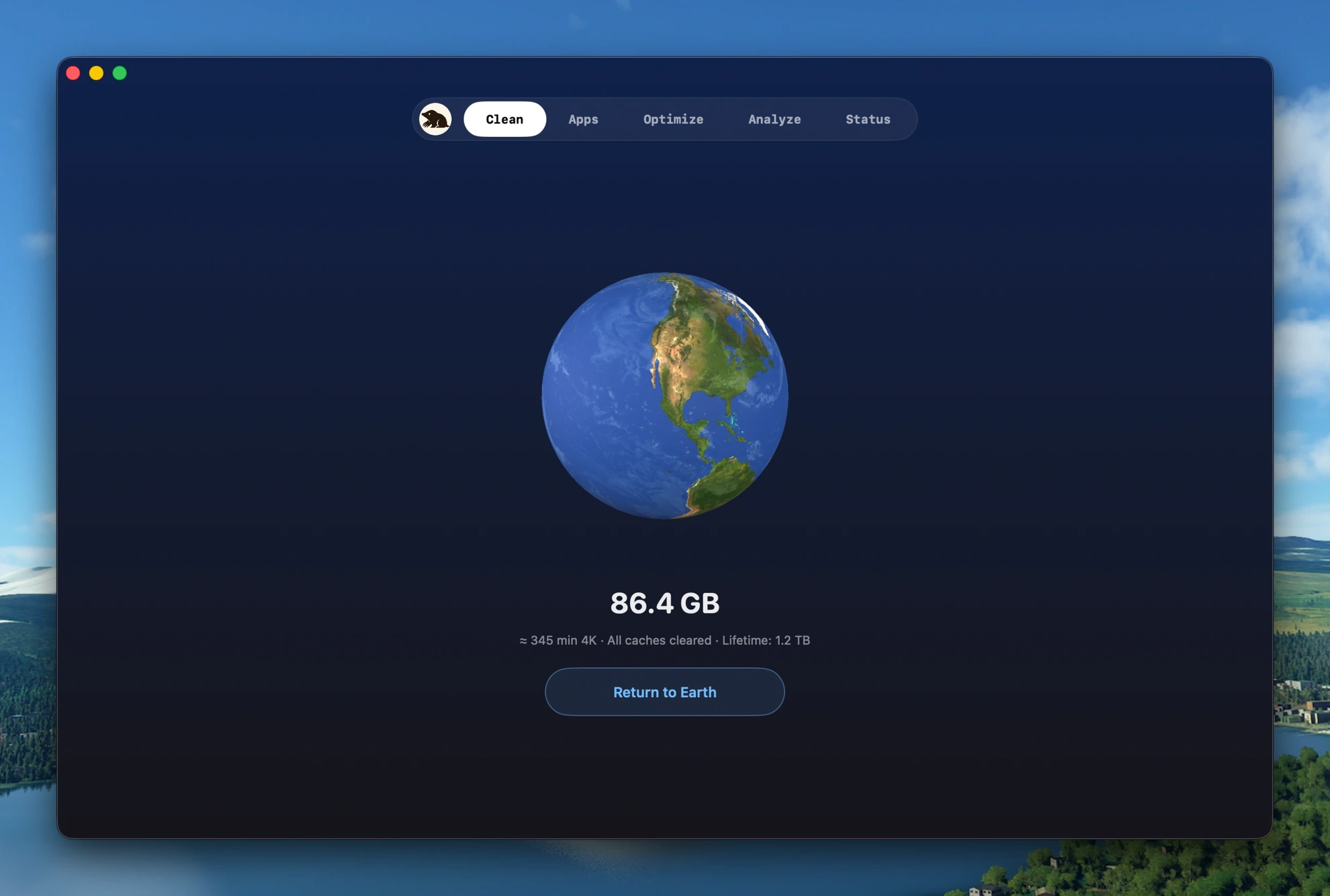
  1. CleanRainwater clears the soil.

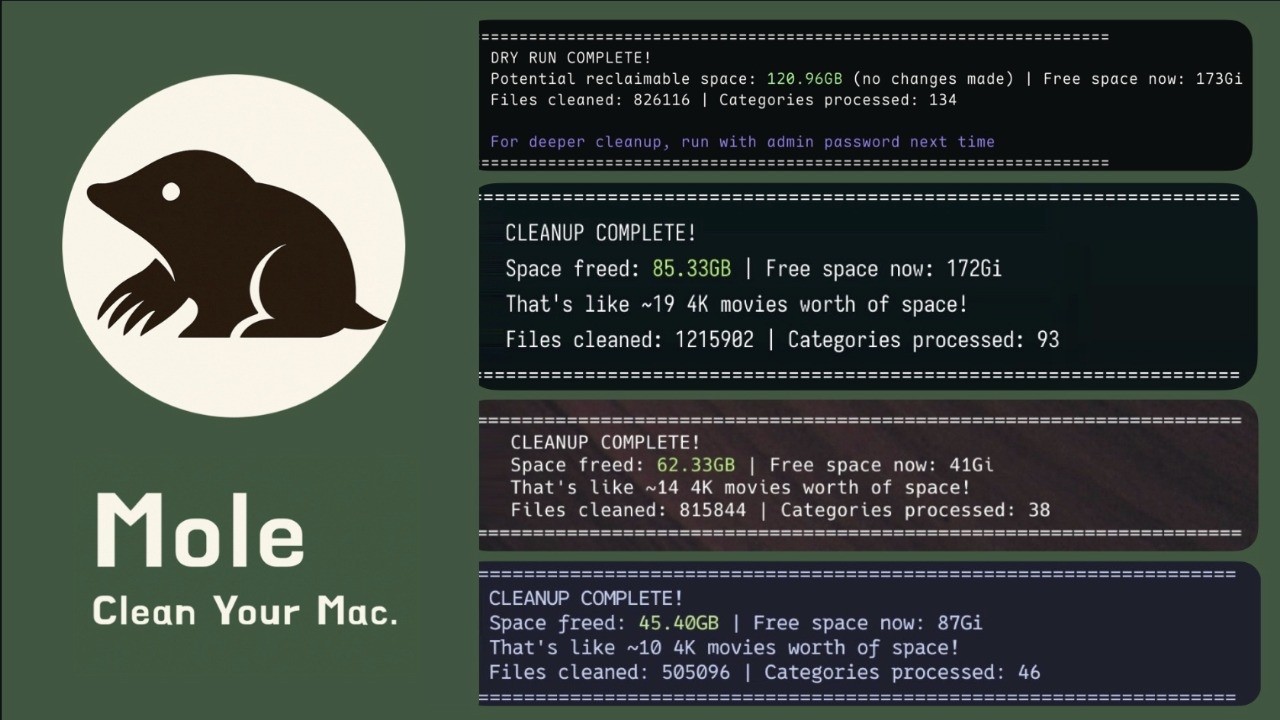
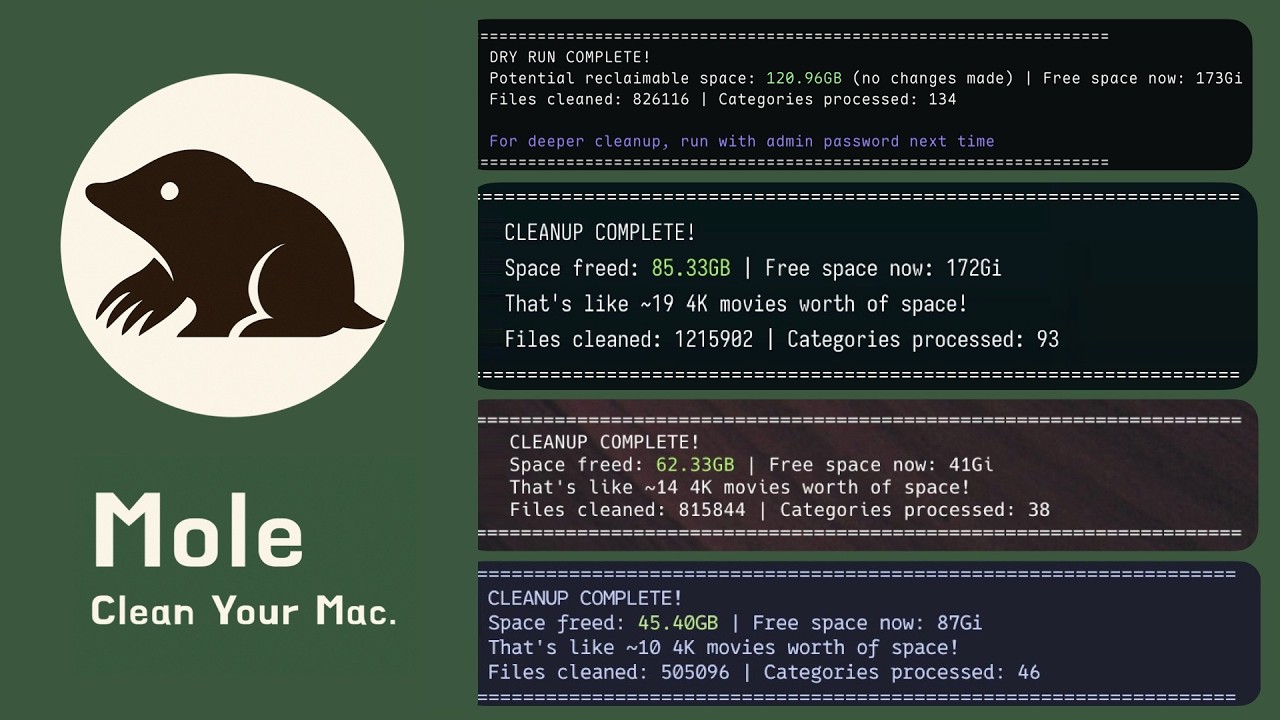
    Ten cache categories, from Xcode builds to browser temp files, sorted by what is safest to remove. Review every file before it goes; untick what you want to keep.

  2. SoftwareRed dust covers what you've outgrown.

    Manage app updates, startup items, and uninstall cleanup in one place. Mole checks Sparkle, Homebrew, and Mac App Store updates, then reviews preferences, support files, launch agents, Dock entries, and personal-data warnings during uninstall.


  3. OptimizeClosest orbit, swiftest run.

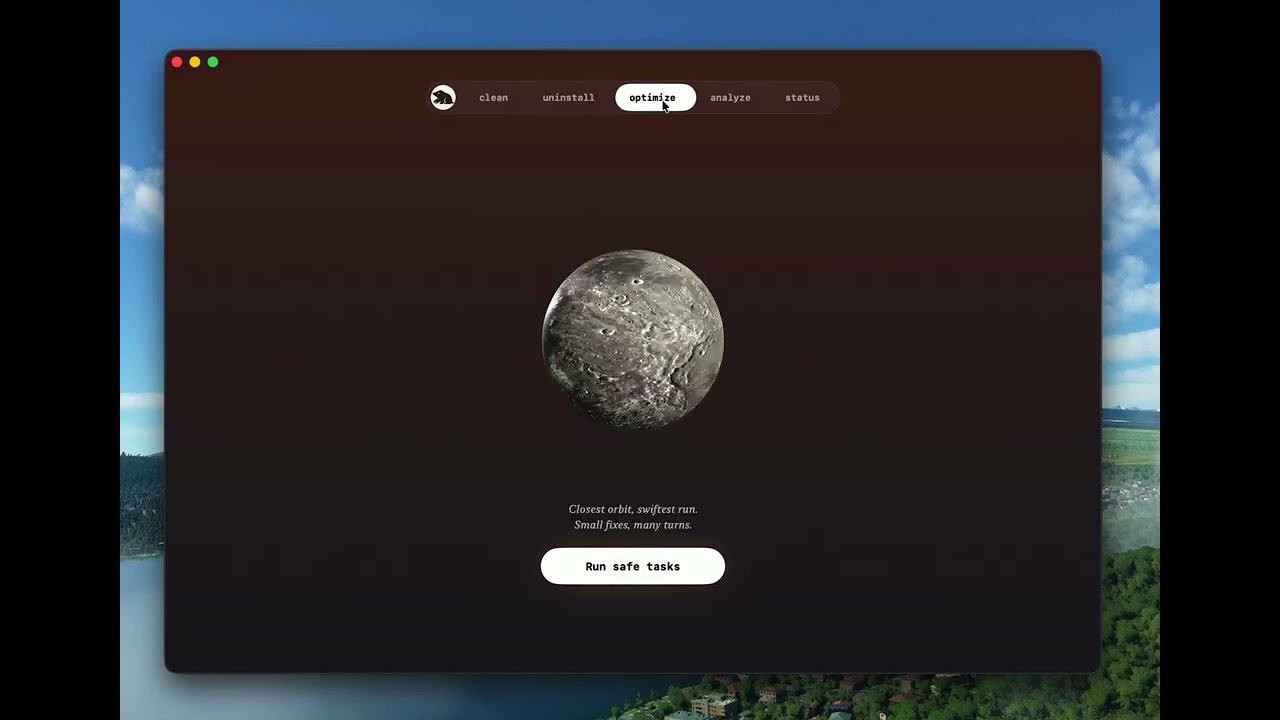
    Default maintenance tasks, one tap. Rebuild Quick Look, repair caches and metadata, audit login items, and batch admin work behind one prompt.

  4. AnalyzeWidest eye, smallest folder on the map.

    A treemap of your whole disk. Drill down into any branch, see size at every level. Right-click to trash or reveal in Finder, without leaving the map.

  5. StatusEvery heartbeat, in its light.

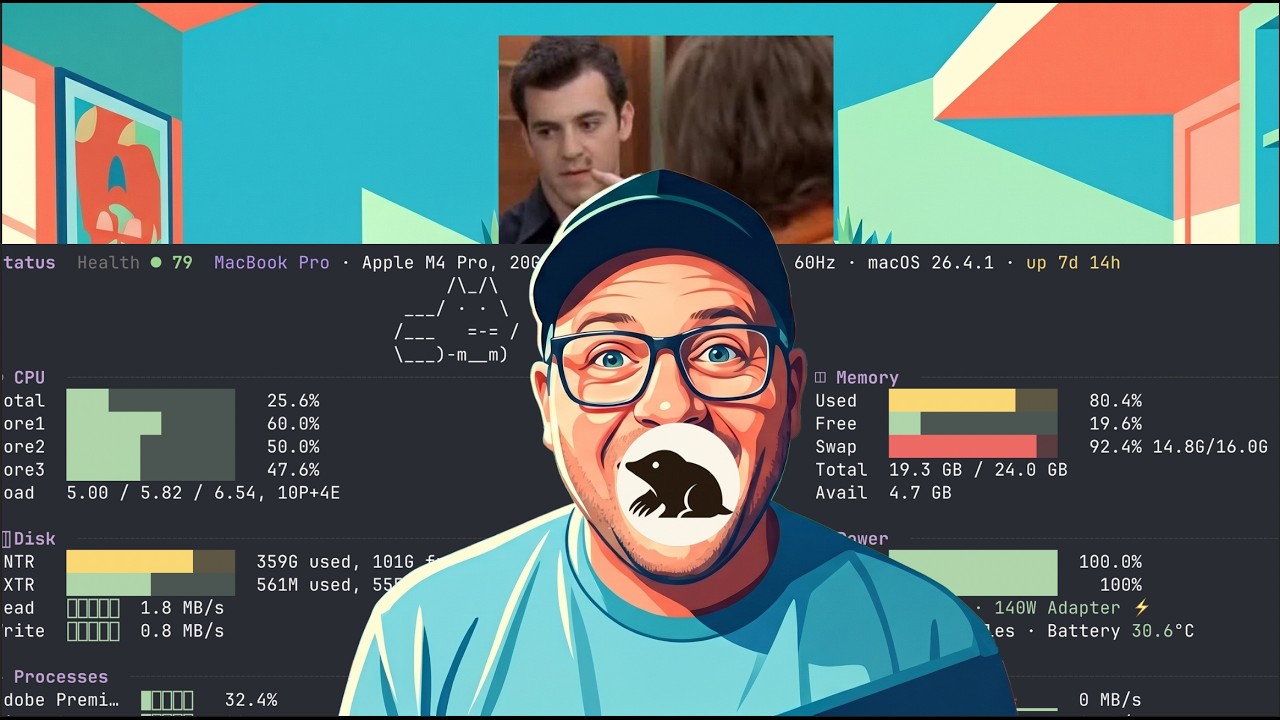
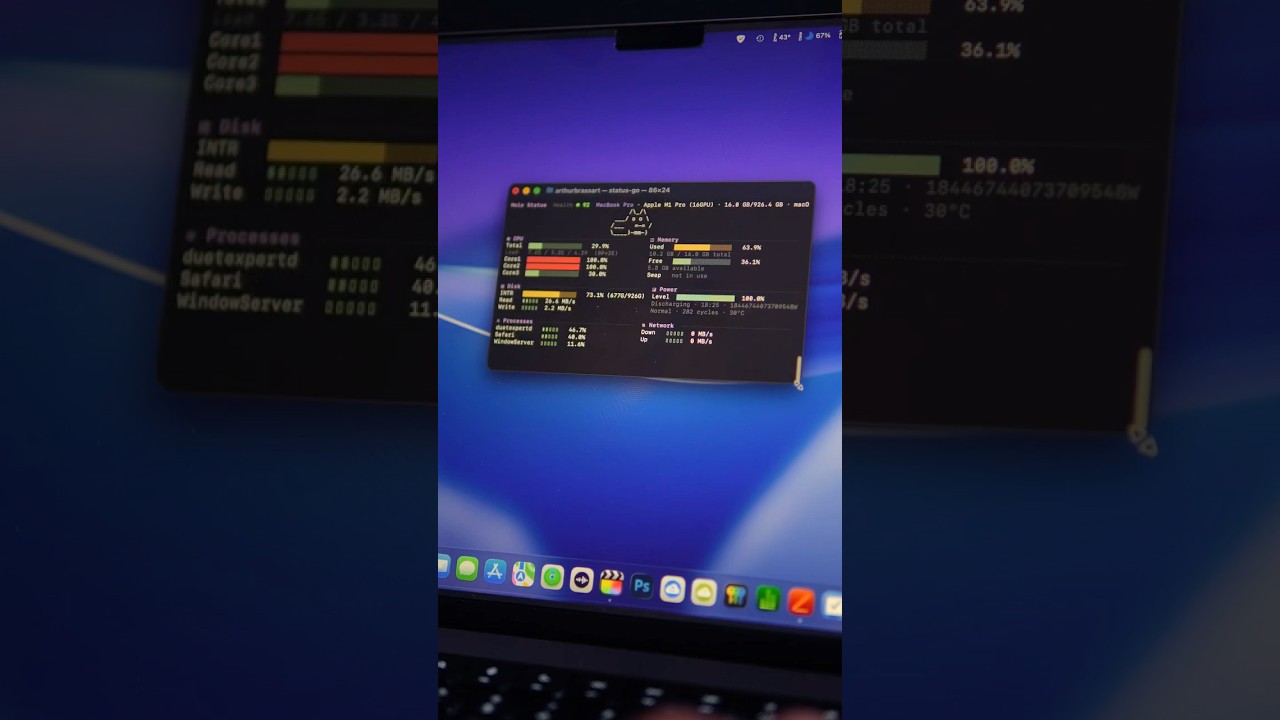
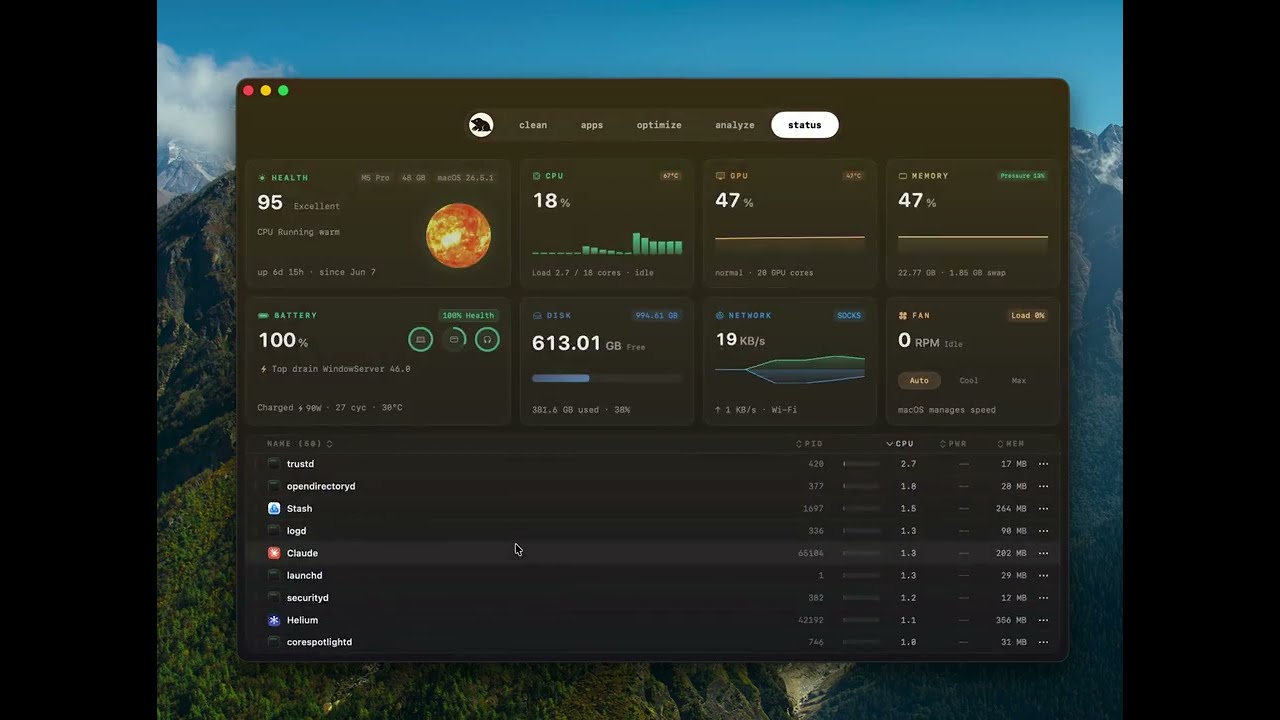
    CPU, memory, GPU, disk, network, battery, thermals, fans, uptime, and processes live on one status page. Each metric keeps a 60-second sparkline, and supported Macs can switch between Auto, Cool, and Quiet fan modes.

02 · How it behaves

Conservative by default

Mole starts with conservative cleanup safety, then uses the same boundaries for software, maintenance, disk analysis, and status.

  1. 1 Nothing leaves your Mac. No analytics, no telemetry. Files stay local. Outbound calls are limited to license validation, Mole's signed update feed, and the App Store, Homebrew, or Sparkle requests needed for app update checks and installs.
  2. 2 Show before you remove. Every action shows the file list and byte count first. You confirm; Mole acts. Uninstalls go through the system Trash so a wrong tap is recoverable; caches are removed permanently so the freed bytes are real.
  3. 3 Refuse when unsure. System paths and anything outside known cache locations are denied. The app would rather skip a file than risk one.
  4. 4 One binary, no upsell. Five tools, all unlocked by one license.

03 · Price

Early bird, no subscription

$9

Buy Mole for $9

Early bird until June 15, 2026. $19 from June 16.

All five tools included, plus the menu bar HUD.

or try it free

Lifetime updates · 2 Macs / license · 14-day refund · Card, Apple Pay, WeChat, and more

04 · Questions

Honest answers

How is the Mac app different from the CLI?
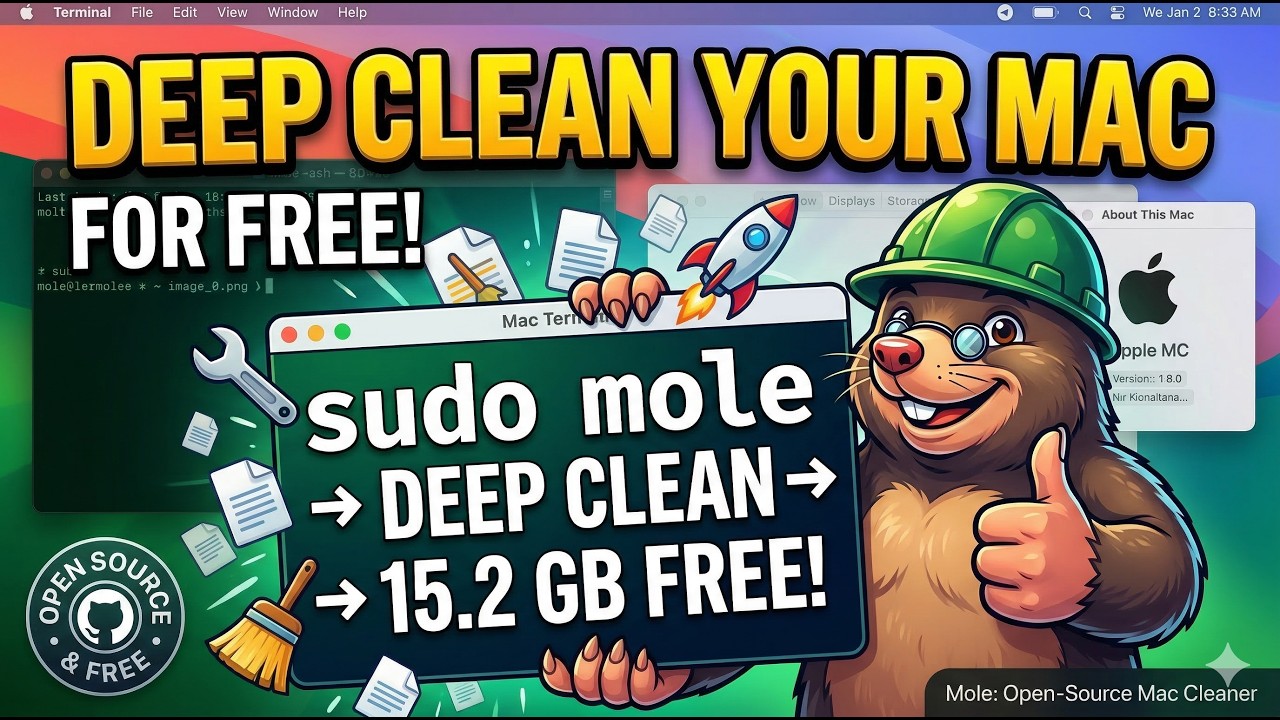
The CLI stays free and open source for terminal users. The Mac app is the native GUI: disk maps, status dashboard, menu bar HUD, fan controls, startup management, app updates, and one-click workflows.
What can I try for free?
Each paid tool works twice without a license. Download the DMG or run brew install --cask mole-app from the official Homebrew cask.
How does Mole compare to CleanMyMac?
Mole is a one-time purchase with conservative cleanup, visible file review, and no subscription. It also includes disk maps, status, menu bar HUD, fan control, startup management, and app updates.
Does it work without Full Disk Access?
Yes. Mole runs a safe scan by default. Full Disk Access lets it reach deeper App Support and container caches, and you can grant or skip it anytime.
Does Mole upload anything?
No. File scans and cleanup run locally. Outbound traffic is limited to license validation, Mole's signed update check, and the App Store, Homebrew, or Sparkle requests needed when you check or install app updates.

Switching Macs, invoices, refunds, or anything else? Visit the help page.