Docker and WSL Disk Space on Windows: Layers, Volumes and Safe Cleanup
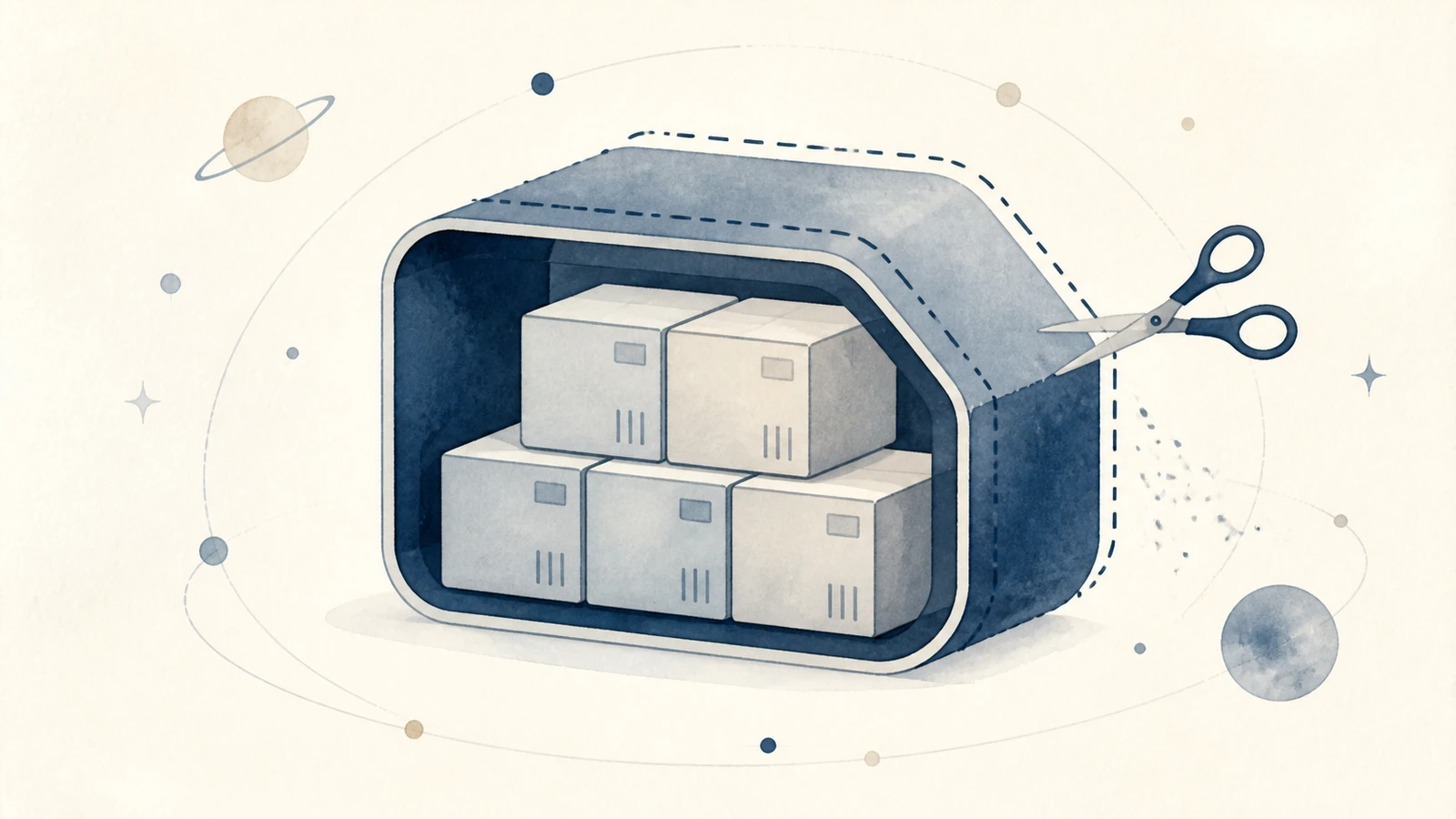
Docker reports a large reduction after cleanup, but C: does not immediately gain the same space. Identify the layer being measured. Docker resources live inside its environment; a Linux filesystem can live inside a virtual disk; Windows sees that disk as a file. Space reusable inside the environment differs from capacity released on the host.
Identify the environment first
Inspect the current Docker context and storage inventory. These commands read information without deleting resources.
docker context show
docker system df -v
docker ps -a
docker volume ls
wsl --list --verbose
A remote Docker connection reports remote resources rather than local C: usage. Check whether DOCKER_HOST or DOCKER_CONTEXT is set too; environment variables can override the connection target, as described in the context documentation. The WSL list identifies local distributions and versions. Docker's WSL backend documentation explains that data arrangements depend on installation history; do not assume every PC has the same Docker data distribution.
Shared image layers change the arithmetic
Docker's disk-usage reference separates shared and unique image sizes. Images can reuse layers, so removing one need not free its displayed total. Reclaimable describes candidates under current reference relationships, not a guarantee that their contents are unwanted.
| Resource | Typical contents | Check before removal |
|---|---|---|
| Images | Runtime and application layers | Can they be pulled or rebuilt, and are other containers using them? |
| Containers | Instances and writable layers | Does a stopped container hold unexported content? |
| Build cache | Reusable build results | Can the next build download and recompute what it needs? |
| Volumes | Persistent databases or uploaded files | Which project owns them, and is recovery verified? |
In a hypothetical example, two 2 GB images share 1.5 GB. Removing one does not imply a 2 GB gain. A volume without a current container reference can still contain the database you just stopped.
Target build cache when that is the problem
Check that source, dependency sources and build configuration remain available. If you accept rebuilding the cached results, Docker's builder-prune command targets build cache. The following command deletes eligible cache: read its prompt before accepting, and keep interactive confirmation enabled.
docker builder prune
Its scope is narrower than docker system prune, which also targets stopped containers, selected images and networks. Additional system-prune options broaden removal further. Avoid a universal command for every project. With multiple builders, identify the selected builder; cleaning one environment does not prove the others were handled.
Back up persistent data separately
Export databases using their own tools and verify restoration in an isolated environment. Docker's backup guide separates image and volume data. Saving or committing an image does not include files in attached volumes. A Compose file describes configuration rather than holding the database content.
For a full Docker Desktop virtual-disk backup, follow the documented shutdown procedure, identify the backend and configured data location, then copy the correct file. A changing VHDX is not a stable backup. Back up personal WSL distributions separately using the WSL export guidance. Unregistering a distribution removes its data; it is not a routine space-cleanup step.

Compare the Linux and Windows layers
Inside your own distribution, df -h / reports root-filesystem usage, while du -h --max-depth=1 /home helps locate user-directory growth. The second command is not a whole-system total, and permissions and other directories limit its coverage. Start with a known large directory rather than traversing every mounted drive.
Microsoft's WSL storage guide explains dynamic VHD growth. Linux's capacity ceiling is not Windows' allocated usage. Deletion can increase internal reusable space without immediately shrinking the outer file. For host-side reclamation, check current WSL/Docker versions and supported procedures. Avoid deleting or moving AppData virtual disks, and do not mistake increasing a capacity limit for freeing C:.
After cleanup, repeat docker system df -v, run the services you retain, inspect database records and complete the original build. Check Docker, Linux and Windows readings separately. Mole's Analyze page can locate large files; resource and virtual-disk management belongs to the owning tools. See the development-cache guide for ordinary package caches.