Designing Mole to Stay Out of the Way
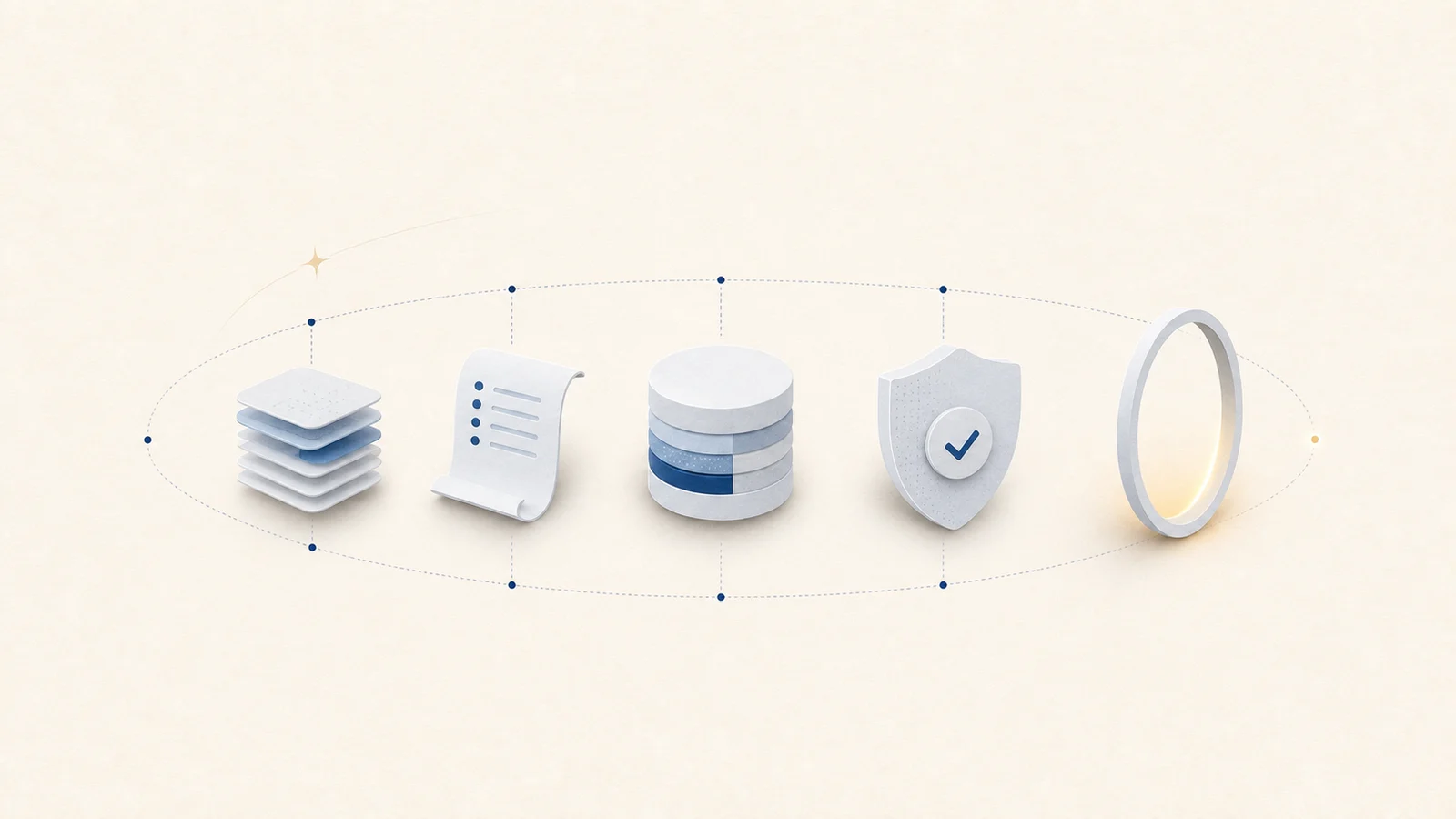
I spent a day redesigning mole.fit, the page you are reading this on. When I posted about it I wrote one line: quiet, reliable, stays out of your way, the same philosophy as the app itself. That has been the whole design brief for Mole since the first shell script. Here is what it means in practice.
Quiet is a constraint
Quiet sounds like a mood, but for a tool it is a set of hard rules. A panel is either fully rendered or hidden, so there is no half-drawn card or result surface assembling piece by piece. A scan completes before the screen enters its result state. Short waits show nothing; longer waits show one calm working state. Completion layouts reserve their space before data arrives so the window does not jump.
Those are engineering constraints, not decoration. They require explicit operation states, delayed loading indicators, stable container sizes, and cancellation paths. Without that machinery, adding a transition only animates uncertainty. The calmness a user sees is produced by making asynchronous work predictable underneath.
The point of all of this is a tool you do not have to watch. You ask it to do something, it does it, and it gives the screen back. Software that blinks and reflows is asking for attention it has not earned, and a maintenance tool has earned none: it should feel closer to a well-made appliance than to an app you check on.
Show the work before you touch anything
The most important design decision in Mole is that it shows the deletion plan with sizes and waits for confirmation. Ordinary user-file removals go to Trash, where they remain recoverable, and navigational roots such as the home folder have no delete option. The interface establishes intent, but the service layer still validates every path at execution time. A warning screen alone is not a safety boundary.
Safety here is the shape of the app, not a warning dialog bolted onto the end. Discovery cannot delete. Confirmation creates a bounded plan. Execution rechecks identity and protected paths, and the result reports removed, skipped, and failed items separately. Review before action is the visible half; independent validation is the invisible half.
Why a cleaner has a solar system
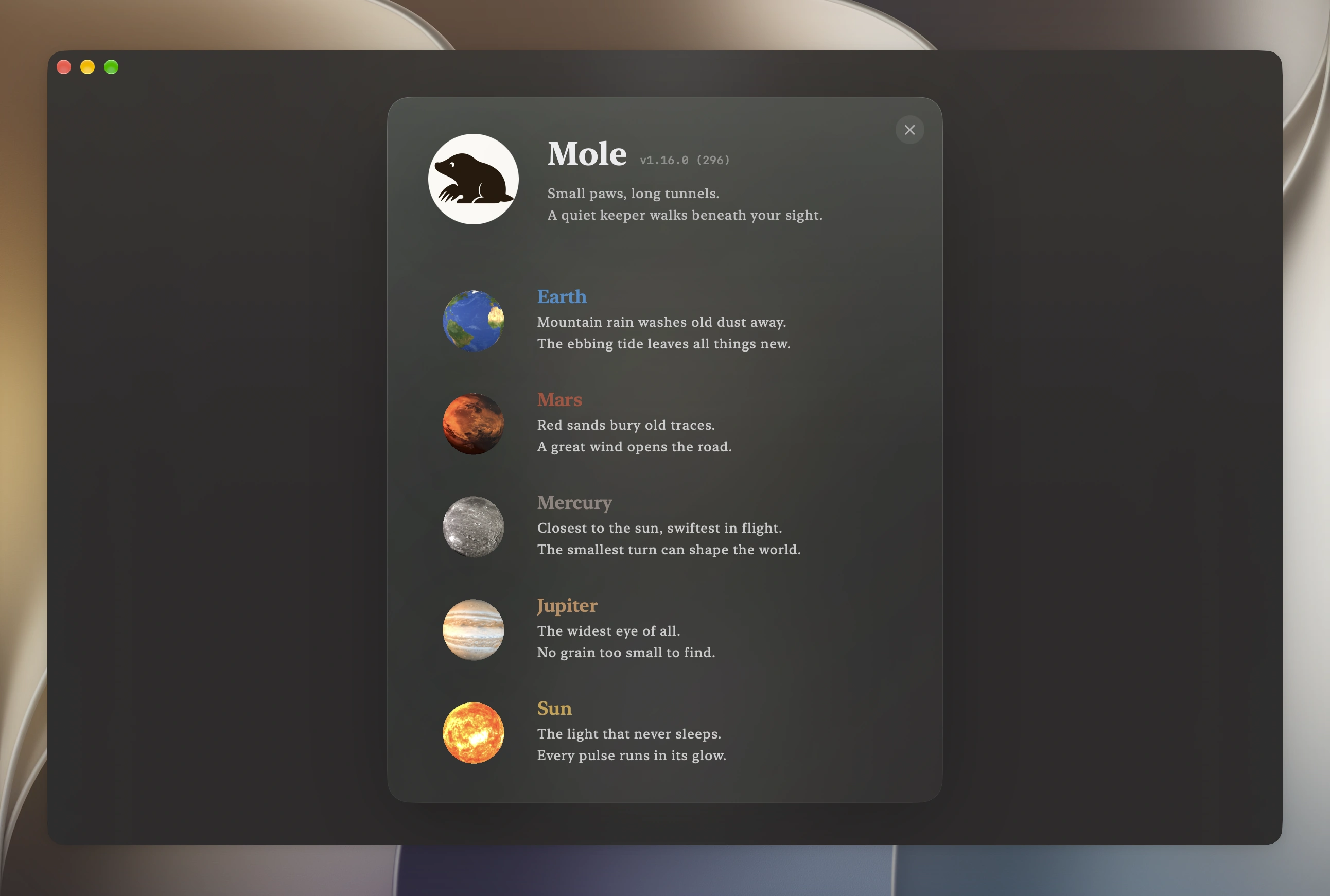
A utility like this could have been a menu bar icon with a clean button, and it would have sold fine. I gave it five planets instead. There is already too much generated, disposable software in the world, and if I was going to spend the effort I wanted the result to be something comfortable to sit in front of.
Each feature is a planet whose character matches the work: Clean is Earth, Software is Mars, Optimize is Mercury, Analyze is Jupiter, and Status is the Sun. The discipline is that it stays one system, not five ornaments. The textures come from astronomical imagery, with Earth based on NASA's Blue Marble; the spin direction and relative pace follow the real bodies, and every planet is drawn by the same code at a few fixed sizes. Beauty in a tool is fine as long as it is built like the rest of the tool. The longer story of how the planets came to be is its own piece.
Restraint is the system
Most of the design work in Mole is subtraction. The app is dark only, on purpose. The menu bar panel floats over your wallpaper like a HUD, and dark glass reduces glare there, so there is no light mode to maintain and no theme switch to reason about. There is one type scale for the whole app and one for the site, and no element gets a one-off size or color: every value comes from a shared token, which is why the pages read as even without any single thing shouting.
And plenty of good features never ship. A Mac has many nice tricks Mole could perform and should not, because a tool you trust with deleting files has to stay small enough to hold in your head. Saying no to a good idea is harder than adding it, and it is most of what keeps the app calm. I wrote separately about deciding what not to build.
Restraint also applies to accessibility. Visual quiet is not enough if focus jumps, controls have vague labels, or an animation obscures state from VoiceOver. Reading order, keyboard reachability, reduced motion, and stable focus are part of the same promise: the interface should spend as little of the user's attention as the task allows.
That rule changes the planets too. When Reduce Motion is enabled, decorative rotation stops and state changes avoid spatial movement. The planet can carry identity without demanding motion, and no operation depends on watching it animate. Quiet is not one fixed visual style; it is respecting the amount of stimulation the user asked for.
One philosophy, three surfaces
Mole is a command-line tool, a Mac app, and this website, and the brief is the same for all three. The CLI digs deep but stays bounded and safe. The app makes that work visible without making it loud. The site tries to tell you what the app does and then get out of the way, which is why the redesign took a day and not a month: there was little to add, only things to remove.
That is the whole of it: a quiet keeper, and nothing more. For your Mac, or a friend's. May your time be your own.