# How I Built Mole for Windows on a Mac
Ever since Mole for Mac came out, people kept asking when a Windows version would follow, and my answer was always that it would have to wait until the Mac app was in good shape. Mole for Windows finally launched on October 14. Before that it went through more than 20 versions with a small group of users, then several days of testing with Mole's earliest supporters, who sent a great many suggestions. Thank you all. Building it turned out to be a lot of fun, so here is how I made a Windows app on a Mac.
## Starting almost from scratch
For a better experience and better performance, this version is written in C# with WinUI 3, native to Windows, not wrapped in Electron. Windows and macOS also differ in how the system works and in what there is to clean, so apart from the design and the copy, almost none of the Mac app's 100,000-plus lines of Swift could be reused. It took about a month of back and forth, and came to roughly 78,000 lines of code and more than 4,000 tests.
## One Mac, one virtual machine, one ThinkPad
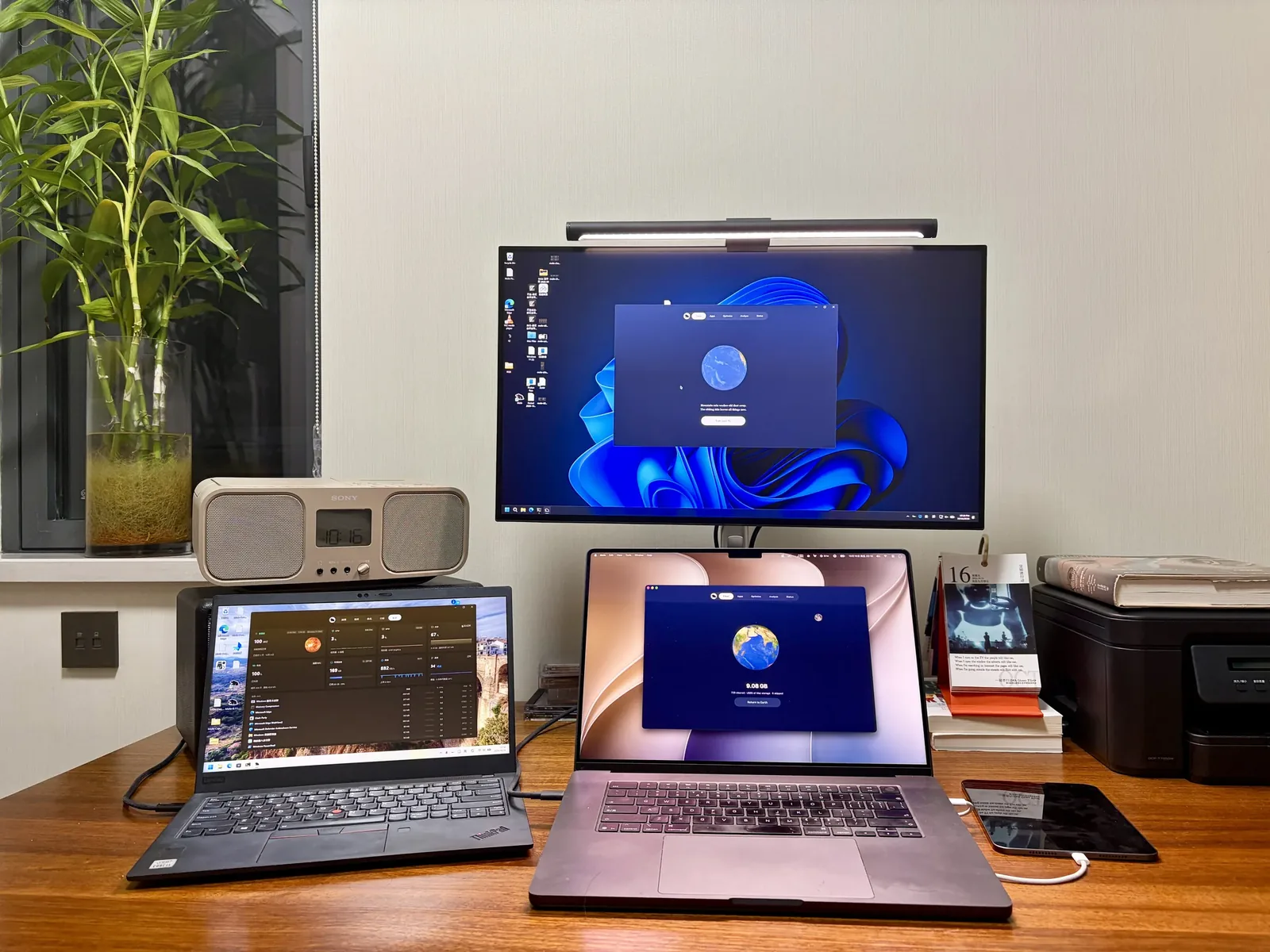
Developing and debugging was much harder than on the Mac I know well, and a WinUI interface does not compile on a Mac. My setup keeps the code and all the AI context on a single Mac. Parallels Desktop runs a Windows virtual machine on it for debugging, and a ThinkPad X1 stays on around the clock to show what a virtual machine cannot. This is my desk today: the Mac in the middle, the ThinkPad X1 on the left, and Mole open on every screen.
## What worked well
A few habits from this month of building Windows software on a Mac worked well, in case you need to do the same:
- Split the code into layers. Core logic such as cleaning and uninstalling, plus the interface state, lives in .NET projects that do not depend on Windows. The layer that calls system APIs turns on `EnableWindowsTargeting`, so it compiles on a Mac too. Most of the 4,000-plus tests run on the Mac, and only the WinUI layer has to be built on Windows.
- Mount the repository in the virtual machine as a Parallels shared folder. Edit on the Mac, then build and run straight away in the VM, with no copying back and forth. Keep each side's build output in its own directory, or the absolute paths recorded under `obj` keep overwriting each other.
- Drive the virtual machine with scripts. `prlctl exec` runs commands inside it, and buttons are clicked and windows captured by their accessible names through UI Automation, so the AI hits the right control without coordinates, even after the layout shifts a little.
- Reach the ThinkPad through UU Remote and ssh. Real x64 hardware, high-DPI scaling, the battery, SmartScreen and Defender are all checked there, and every release is installed and clicked through on it first.
- Where no command line reaches, I have Claude call Codex's computer use through lcu. Honestly, Codex's computer use is very good, but it cannot click a UAC prompt, so that part is still on me.
Most of the time, 7 to 10 agent tabs in Kaku are running tasks at once.
## Windows developer certificates are a hassle
An unsigned installer on Windows is stopped the moment it opens by "Windows protected your PC", and Windows 11's Smart App Control refuses to run it at all, so before releasing I had to buy a code-signing certificate. Looking into it, I found that an EV certificate no longer gives any SmartScreen advantage: a newly signed program still shows as unrecognized until enough people have installed it. Microsoft's own Azure Artifact Signing, under $10 a month, would have been the easiest, but for individuals it is only open in the US and Canada, so I could not use it, and Certum's cheap open-source certificate does not allow commercial use.
In the end I bought Certum's cloud OV certificate, at one to two hundred dollars a year. The key lives in its cloud HSM, signing takes a one-time code from the SimplySign app on my phone, and the name on the certificate is the verified legal name, which is also what SmartScreen reputation builds up under. A few times the SimplySign session dropped after a few idle hours and signing failed halfway through packaging, so now I sign one test file before every build.
## Testing apps took the most time
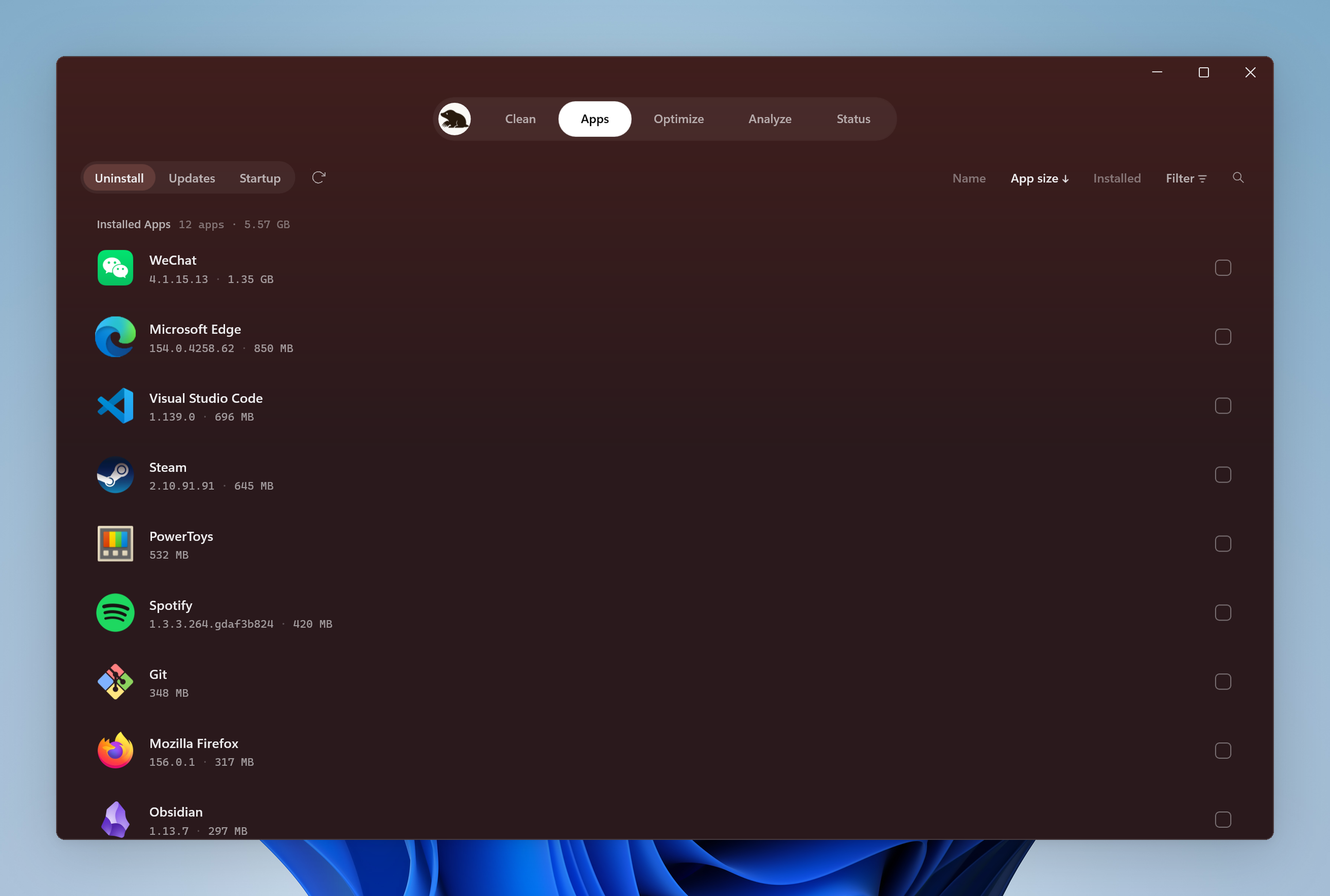
The worst thing a cleaner can do is delete the wrong thing, and on Windows every app's installer and uninstaller has its own habits, so the only way is to install them one by one. I listed apps that engineers in China and elsewhere commonly use: editors, IDEs, browsers, chat, cloud drives, databases and AI tools. Each one is installed and opened, then I check whether Mole's uninstall, updates, leftover cleanup and startup list recognise it. So far 372 apps have been tested, and 72 of them turned up a problem, each fixed in the same round, covered by a test and retested. Some problems came from my own setup: on its first test, VS Code was credited with a same-named shortcut that Parallels had created for the Mac copy of VS Code, which came close to being removed by mistake.
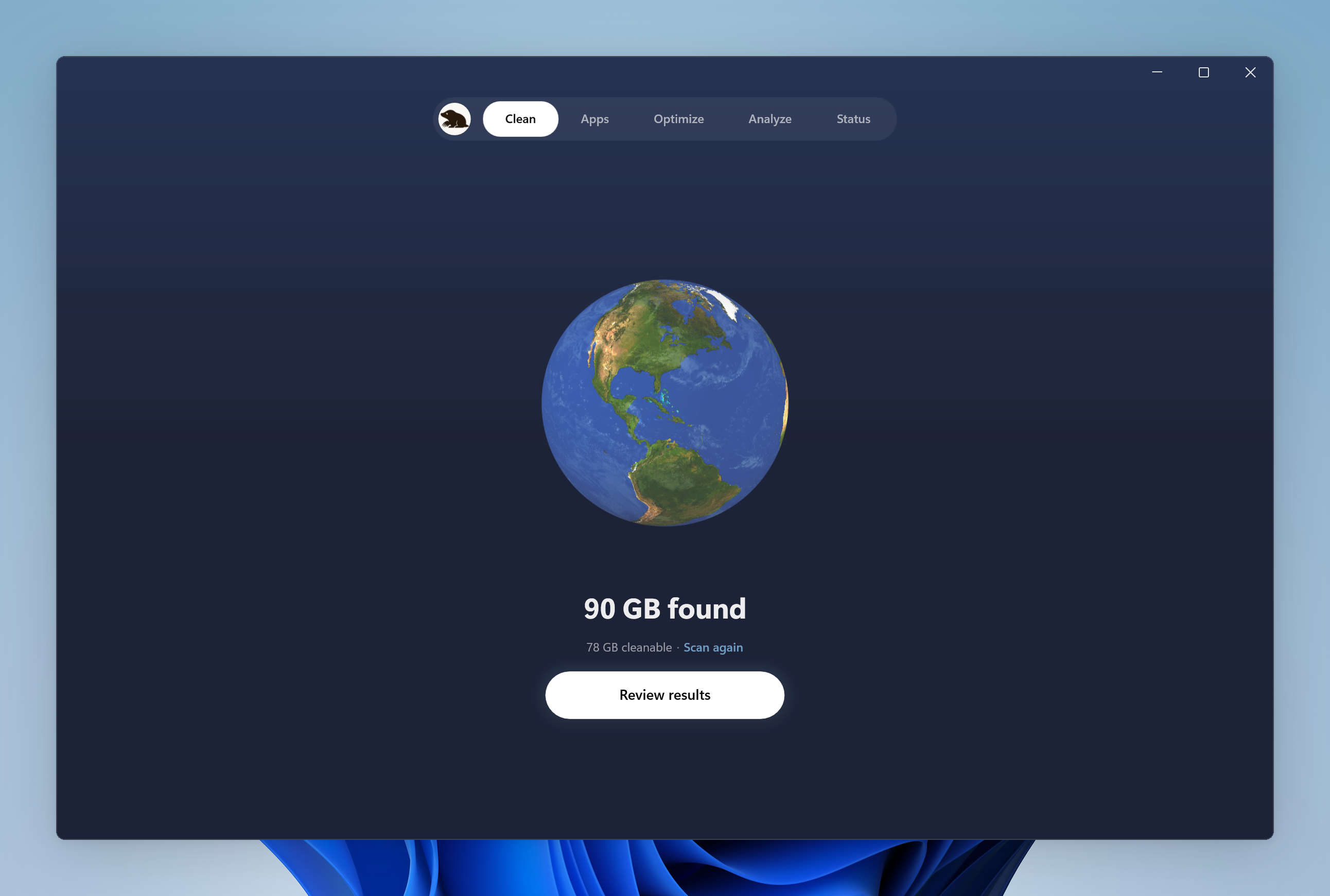
Features largely match the Mac app: the five pages Clean, Apps (uninstall and updates), Optimize, Analyze and Status, plus the tray panel, Keep Screen On and Clean Screen. It supports Windows 10 22H2 and Windows 11, with native installers for x64 and ARM64.
## There is a command-line version too
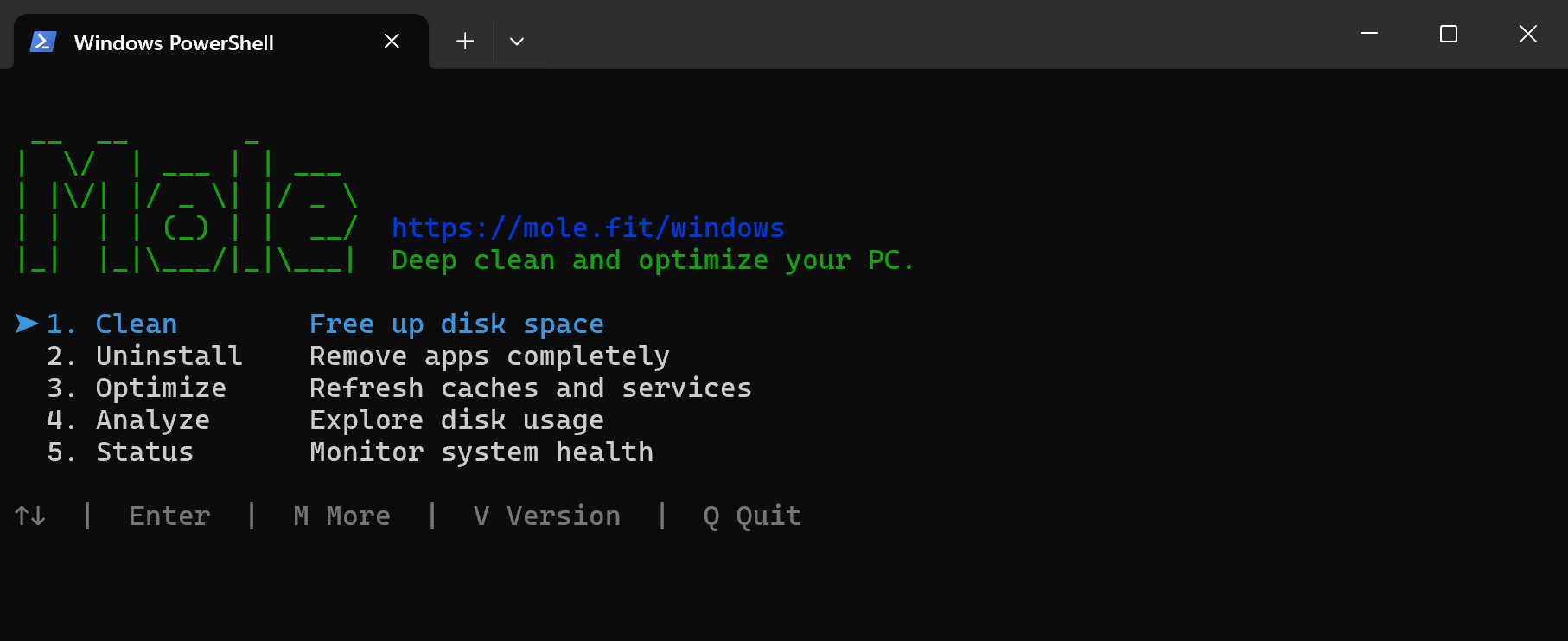
Besides the desktop app, the Windows version of the Mole CLI started at the beginning of the year. The first request came from a developer in India, who also sent me a PR along the way, thank you. In nine and a half months it has shipped nine versions, and I have been iterating on it heavily this past month, so its commands and feel now largely match the Mac CLI. It is free and open source, so if you like the command line you can use it straight from [GitHub](https://github.com/tw93/Mole/tree/windows). [This post](/windows/blog/mole-cli-vs-windows-app) explains how it differs from the desktop app.
Downloads and pricing for the desktop app are at [mole.fit/windows](/windows), and every feature can be used free twice before you decide. If you have a Windows PC, give it a try.
Canonical: https://mole.fit/windows/blog/building-mole-for-windows-on-a-mac